Serve Customers Faster
Quick buttons and menu shortcuts make order taking lightning fast — perfect for busy morning rushes.
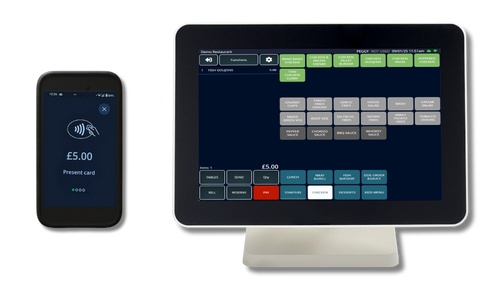
Speed up service, cut queues, and keep your café running smoothly with TapaPOS. Take payments in seconds, manage loyalty and stock, and update menus instantly — all from one simple POS built for busy coffee counters.
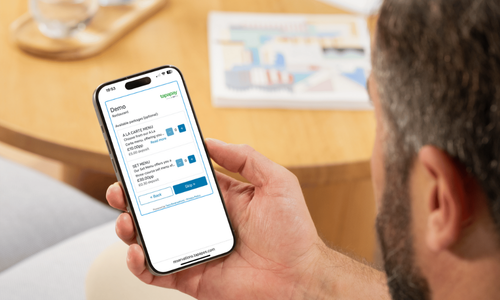
Book a DemoAt a glance
TapaPOS helps cafes serve queues quickly, take integrated payments and manage menus, loyalty and stock from one system.
Built for speed, simplicity, and savings — TapaPOS helps cafés and coffee shops serve faster, keep queues short, and save on every transaction with integrated payments and powerful back-office tools.
Quick buttons and menu shortcuts make order taking lightning fast — perfect for busy morning rushes.

Train new baristas in minutes with an intuitive, touchscreen layout that keeps service simple and consistent.

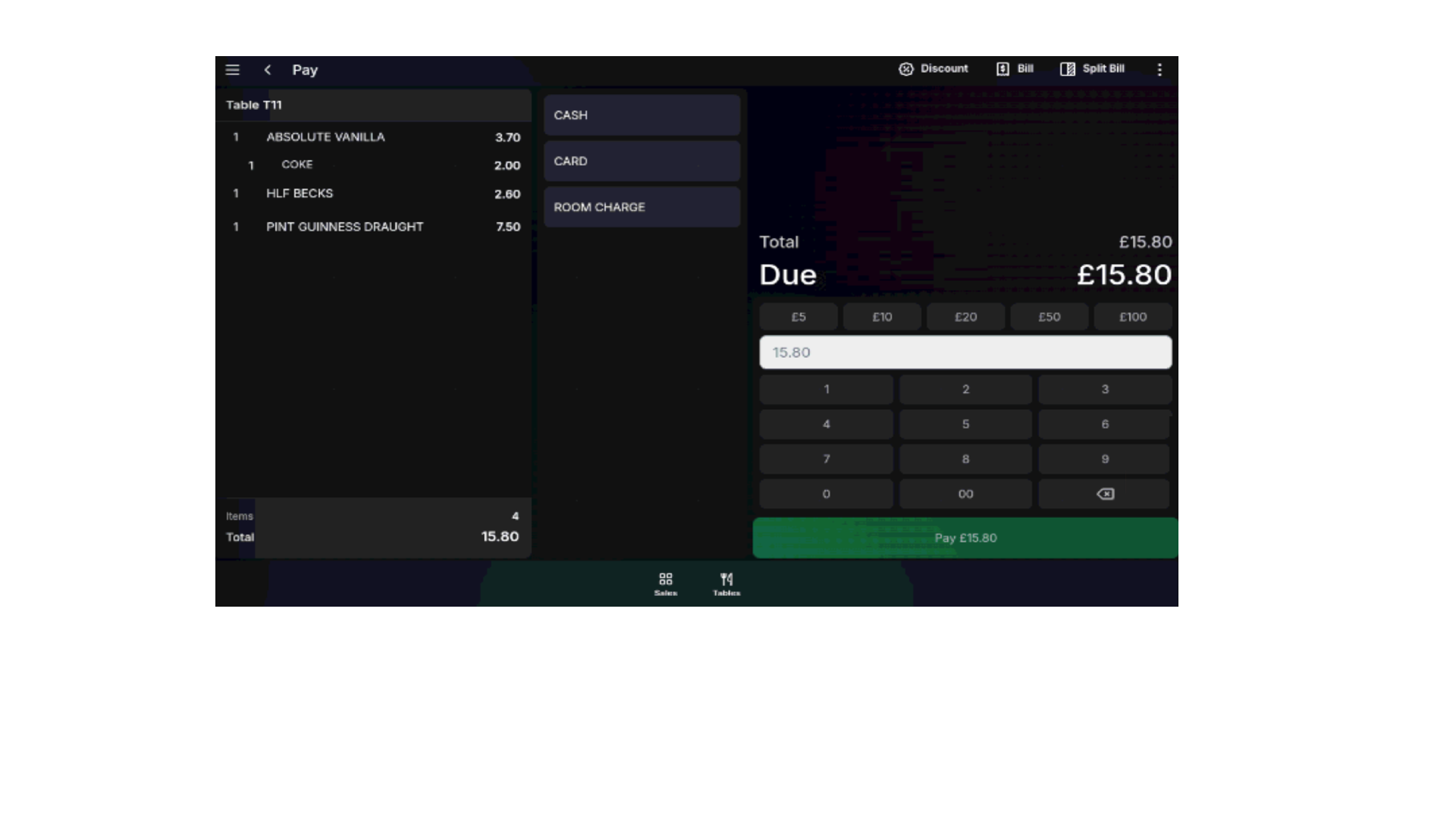
Take contactless, Apple Pay, or Google Pay directly through TapaPay — no double entry or hidden fees.

Update drink sizes, syrups, or extras with one tap. Menus sync instantly across tills and online ordering.

Reward regulars and grow repeat business with built-in loyalty, prepay balances, and GiveaVoucher digital vouchers.

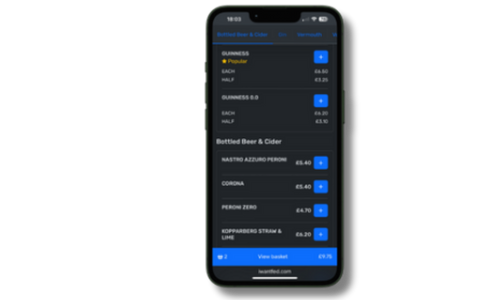
Customers can pre-order and pay online through iWantFed. Orders print or display instantly on your barista screen.

Track sales, margins, and bestsellers live in Tapa Office. See performance and waste from your phone.

Small footprint terminals with built-in printer and card reader — built to handle steam, spills, and speed.

One simple monthly payment for your hardware, software, and support — with low, transparent card fees and no surprises.
POS features
Explore cafe EPOS tools for quick orders, modifiers, loyalty-friendly service, stock visibility and integrated payments across busy coffee shop shifts.

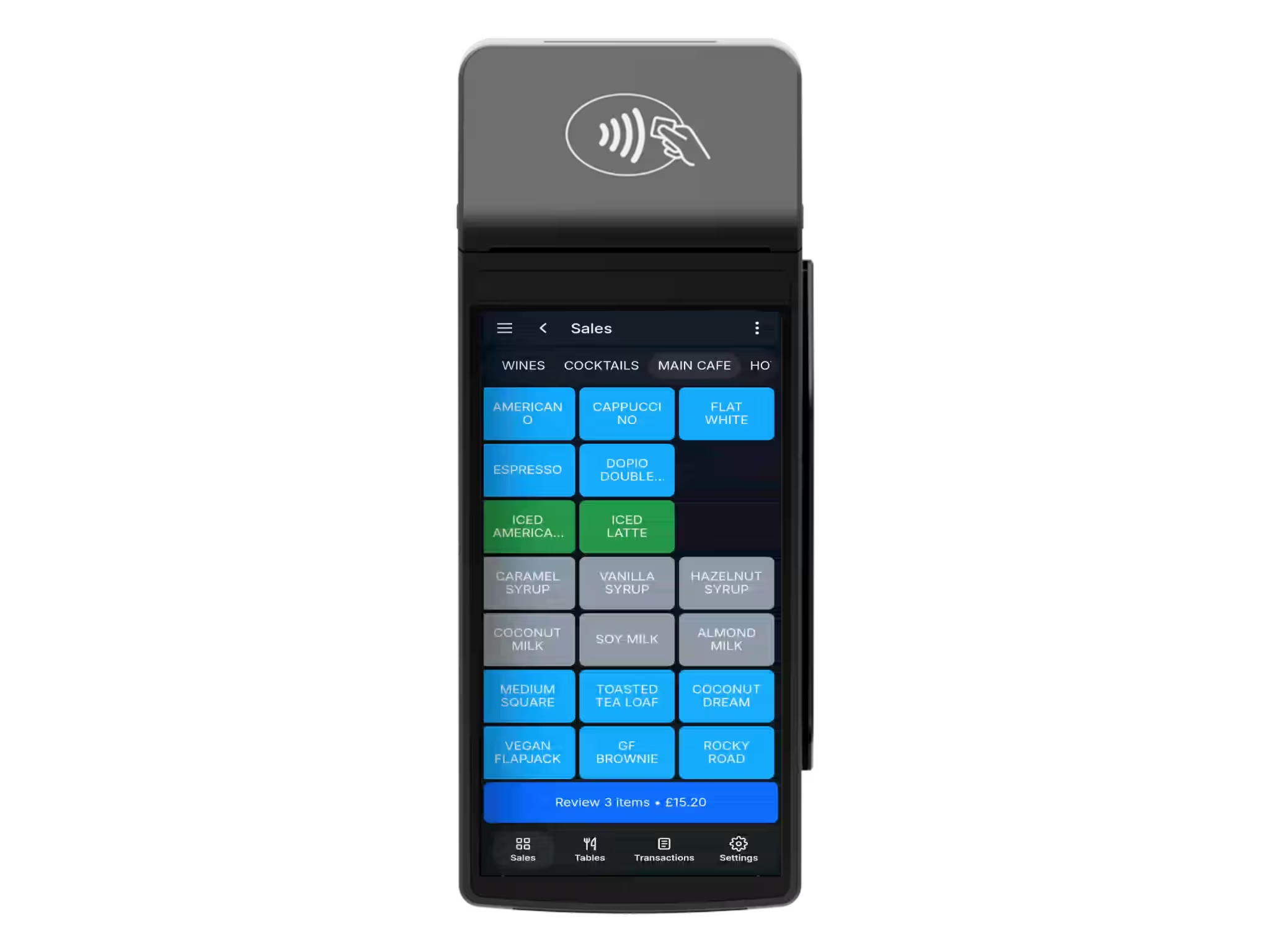

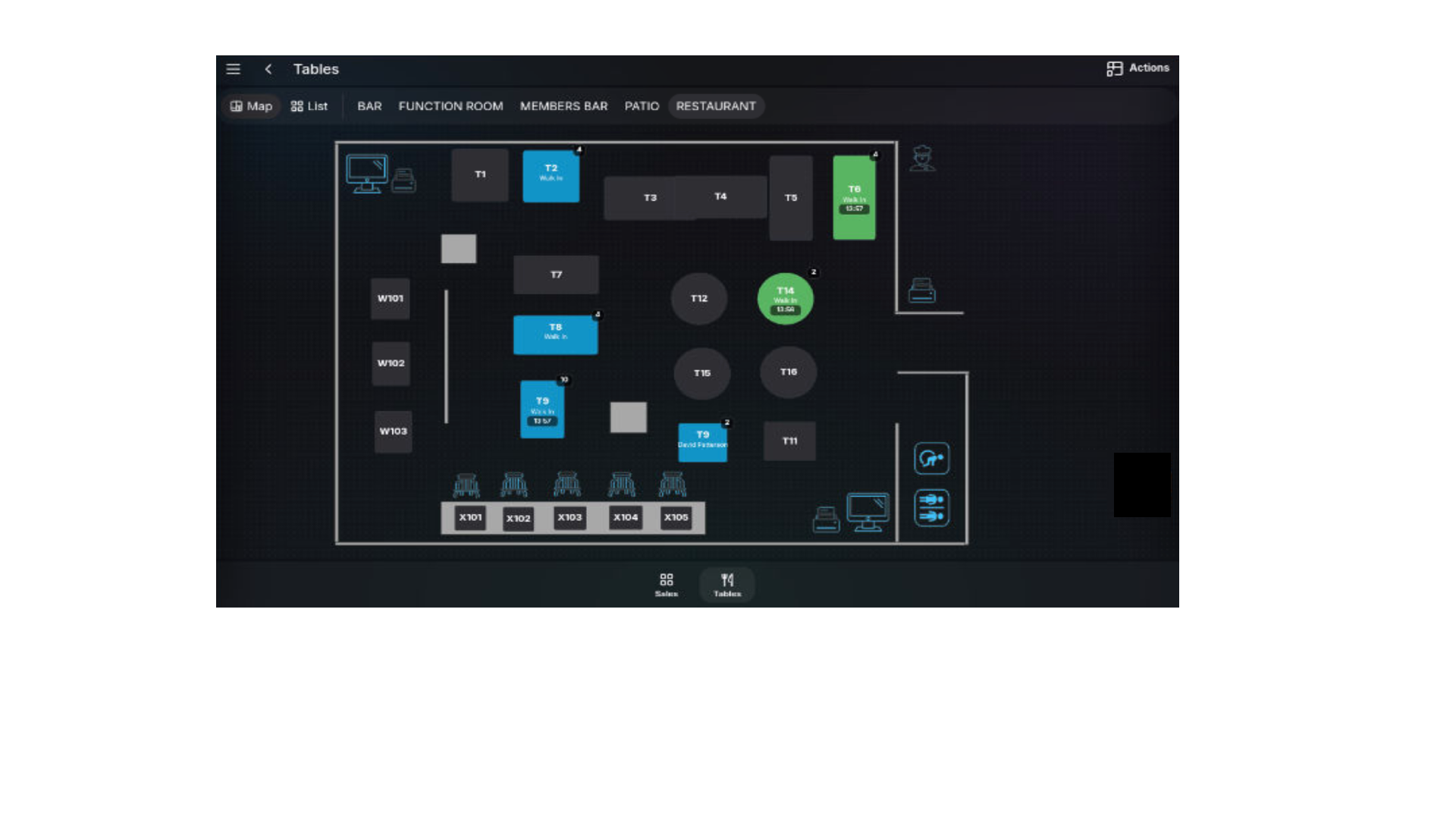
A clear till layout helps new staff learn quickly, so teams can get serving with less training time and fewer mistakes.
Quick product buttons, drink sizes, milk options, syrups, extras and food notes help staff handle busy breakfast, lunch and coffee rushes accurately.
Manage counter orders, sit-in tables and takeaway tickets clearly from the same cafe EPOS setup.
Send totals straight from EPOS to the card machine, reducing keying errors while the till stays free for the next order.
Use Tapa Go as a single handheld POS and payment device without needing a full till setup, ideal for coffee vans, pop-ups and smaller counter spaces.
Connect menus, loyalty, gift vouchers, stock, online ordering and payments from one coffee shop POS platform.
Kiosk overview
Self-service kiosks can help busy coffee shops and quick-service counters handle repeat orders, food add-ons, modifiers and payments without slowing the till. Orders stay connected to TapaPOS, kitchen screens and back-office reporting.
Explore self-service kiosks
Yes. With TapaPay built in, you can accept contactless, chip & PIN, Apple Pay, and Google Pay directly from the till or handheld device — no separate card machine or manual entry needed.
TapaPOS is designed for high-speed service. Quick buttons, product groups, and preset modifiers make it easy to take complex coffee orders in seconds, helping reduce queues during peak times.
Absolutely. TapaPOS integrates with GiveaVoucher.com so you can sell and redeem gift vouchers at the till or online. You can also set up digital loyalty schemes to reward regulars automatically.
Yes. With iWantFed online ordering, customers can pre-order and pay from their phone for quick pickup. Orders print automatically at the barista station or appear on your kitchen display screen.
Yes. You can update items, prices, or modifiers anytime in Tapa Office. Changes sync instantly across all tills, tablets, kiosks, and online menus — no reprogramming required.
We offer simple monthly packages that include your hardware, software, and support — with low, transparent card fees through TapaPay. Book a demo for a tailored quote for your café.
Yes. Your POS continues to process orders and print receipts even if the internet drops. Once the connection returns, all data synchronises automatically in the background.
Our local support teams in Derry, Belfast, Liverpool, and Dublin provide 7-day assistance. Remote diagnostics and optional on-site visits ensure your café is always running smoothly.