Reduce Queue Times
Process more orders during busy periods by letting several customers order at the same time.

Let customers browse, customise and pay at the kiosk while orders flow straight into TapaPOS, Tapa KDS and your kitchen workflow. Built for busy counters, pizzerias, takeaways and quick-service restaurants.
At a glance
Tapa kiosks help customers place accurate orders themselves, reducing queue pressure while improving sales, labour efficiency, order accuracy and customer experience.
Interactive kiosk tour
Step through the key kiosk screens customers use to browse, customise, upgrade and pay.
Kiosk overview
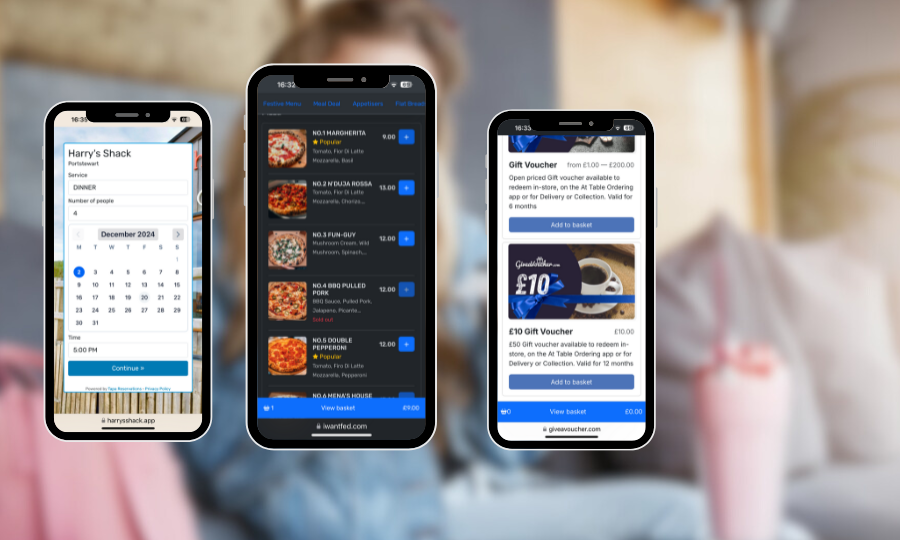
Kiosks are ideal where queues build quickly and every modifier matters. Customers can browse pizza toppings, burger options, meal deals, dips, drinks and desserts at their own pace without slowing down the counter.
Process more orders during busy periods by letting several customers order at the same time.

Customers select extra cheese, no onions, sauces, toppings and allergy notes themselves, reducing incorrect orders.

Show meal upgrades, drinks, desserts and extras consistently so every customer sees the same upsell prompts.

Take kiosk payments through TapaPay and keep card transactions, POS sales and reporting together for simpler reconciliation.
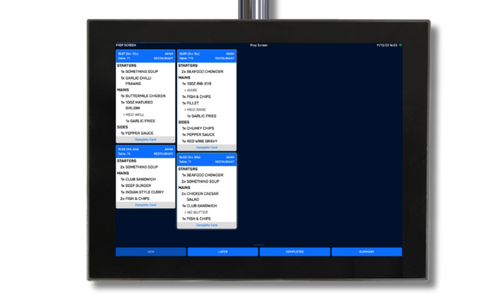
Kiosks do not replace staff, but they reduce repetitive order entry so teams can focus on production and service.
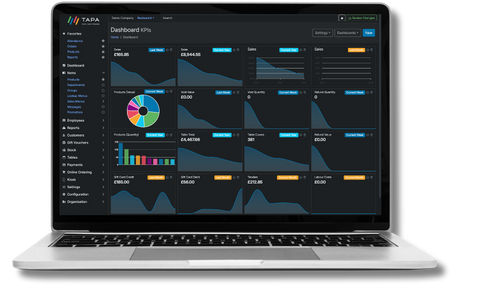
Track popular products, upsell conversion, average transaction values, peak times and customer purchasing patterns.
Typical outcomes
Self-service kiosk ordering can help fast food restaurants, takeaways and cafes reduce queues, increase revenue and help the same team handle more orders at peak times. Operators report average order value improvements of 10-30% after introducing kiosk ordering.
Targeted or reported uplift when kiosk prompts, upgrades and add-ons are used consistently.
 60-90%
Fewer mistakes and remakes because customers choose modifiers and notes themselves.
 20-40%
Reduced at peak periods by allowing multiple customers to order at the same time.
 15-25%
Staff can be redeployed from repetitive order entry into food production and service.
 10-30%
Every customer sees meal upgrades, sides, drinks, desserts and limited-time offers.
 80-95%
Faster, more convenient ordering with clearer browsing and contactless payment.
Support speed, order accuracy and higher-value baskets without adding pressure to your front counter.

Reduce queues by allowing multiple customers to order simultaneously. Clear menu navigation and intuitive workflows help customers order quickly and confidently.

Guide customers through meal deals, upgrades, sides, drinks and desserts automatically. Every customer sees the same upsell opportunities, helping increase average order value.

Customers select their own modifiers, extras and preferences, reducing miscommunication and helping prevent incorrect orders and costly remakes.

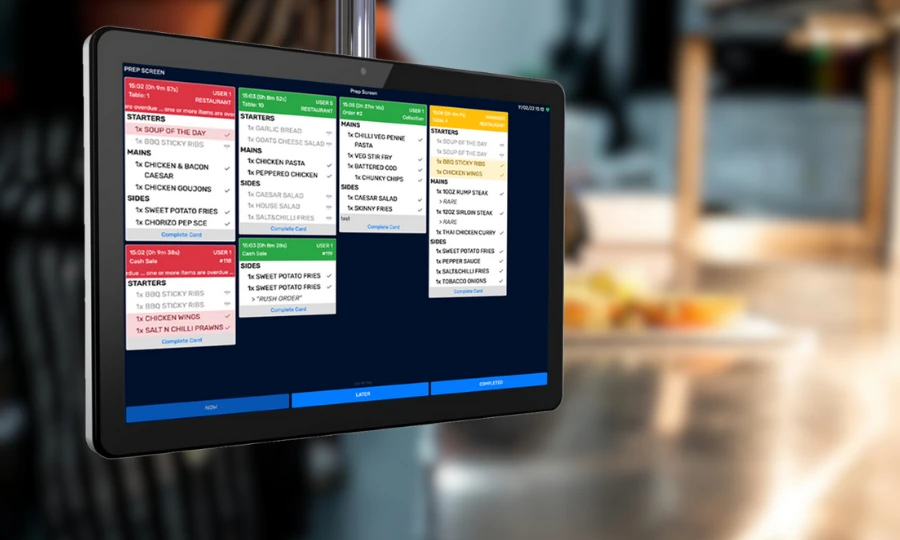
Orders are sent instantly to kitchen display screens, helping kitchen staff prioritise preparation and monitor order times without relying on paper dockets.
Process more orders during busy periods without increasing front-counter staffing, helping serve more customers during lunch and evening rushes.

Accept contactless cards, Apple Pay, Google Pay and digital wallets directly at the kiosk. Payments are linked automatically to the order with no manual intervention.

Automatically issue collection numbers and display order status on customer-facing collection screens, reducing congestion around the counter.

Manage products, prices, promotions and availability from a single menu that powers kiosks, POS, online ordering, delivery and mobile ordering.

Promote limited-time offers, combo deals, loyalty rewards and voucher redemptions directly on the kiosk screen to drive repeat visits.
They are best suited to fast food restaurants, pizzerias, burger bars, food courts and takeaways where customers make lots of choices and queues can build quickly.
Yes. Kiosk menus can prompt for sizes, crusts, toppings, half-and-half options, dips, drinks, sides and required choices before the order is sent to the kitchen.
Yes. Confirmed orders can route directly to Tapa KDS or kitchen printers with modifiers, notes, collection numbers and payment status included.
Yes. TapaPay integrated payments allow customers to pay by card or mobile wallet at the kiosk, reducing manual entry for staff.
No. Products, pricing and availability can be managed centrally through Tapa Office so kiosk menus stay aligned with your POS and other ordering channels.
Kiosks show consistent prompts for meal upgrades, drinks, desserts and extras. Customers can browse the full menu at their own pace, so many operators target or report average order value increases of 10-30% after introducing kiosks.
No. Kiosks reduce pressure on staff by handling repetitive order entry, allowing the team to spend more time preparing food, supporting customers and keeping service moving during busy periods.