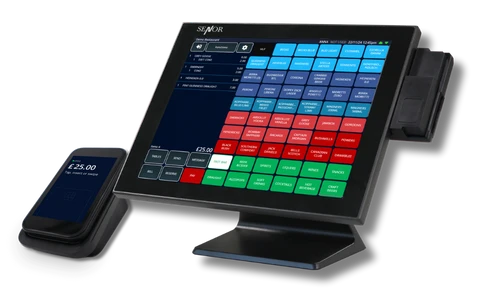
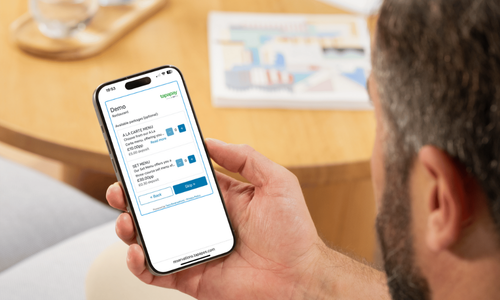
Fast touch tills built for busy service
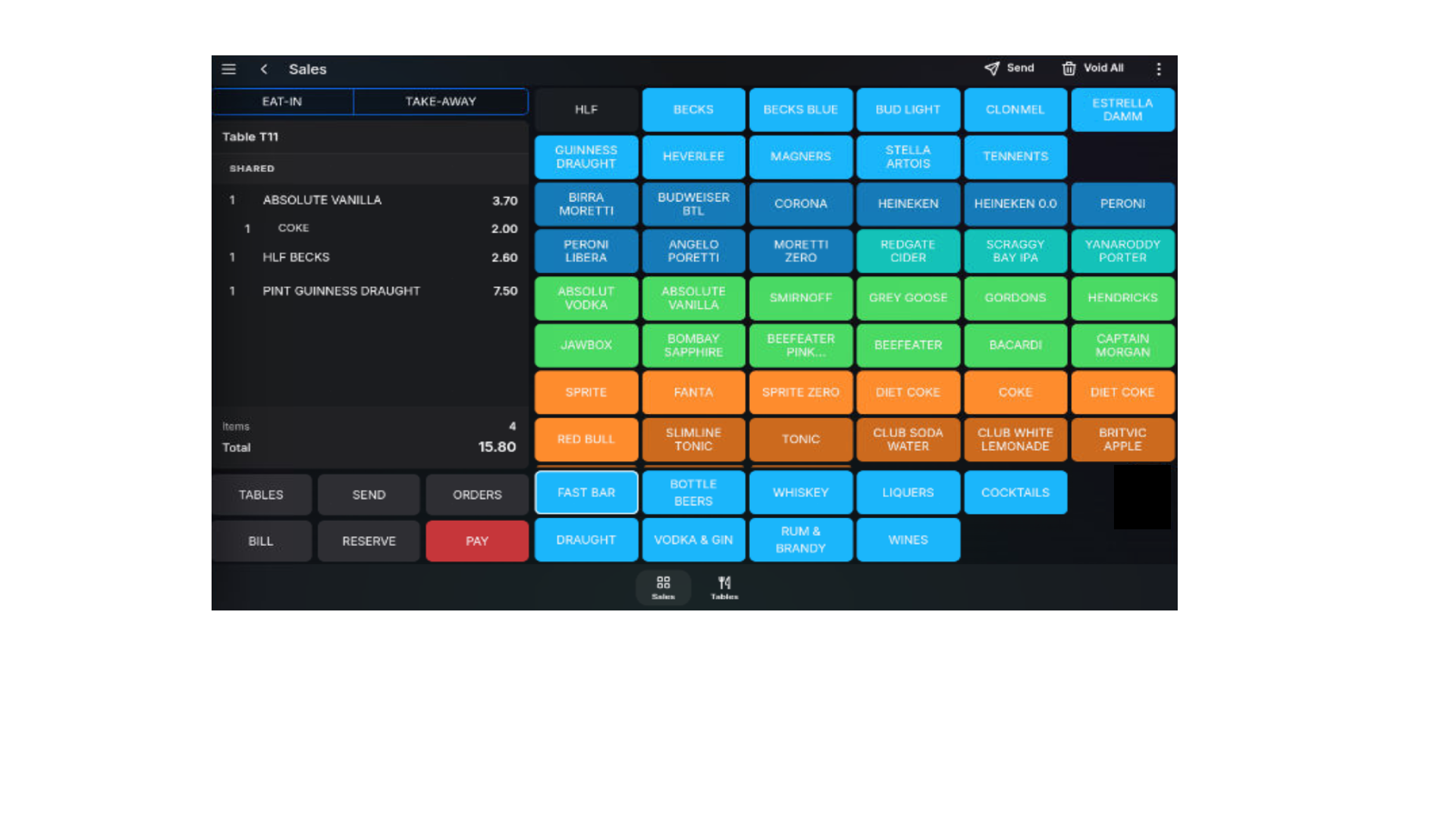
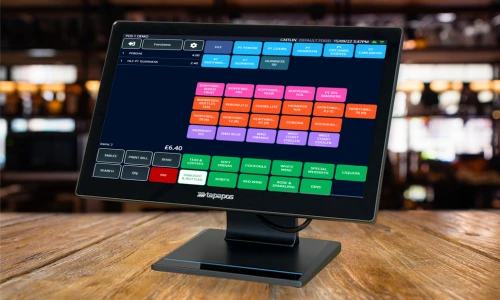
Move through orders quickly with a clear product grid, large touch targets and layouts designed around fast-paced hospitality environments.
A flexible platform for POS, payments and back office, customised, integrated and deployed to fit your operations.

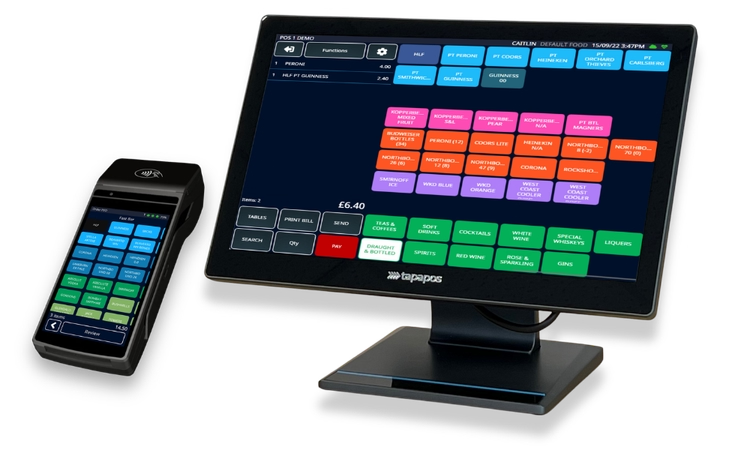
POS features
Scroll through the core tools inside TapaPOS, from the live till screen to reservations, kitchen routing and mobile ordering.

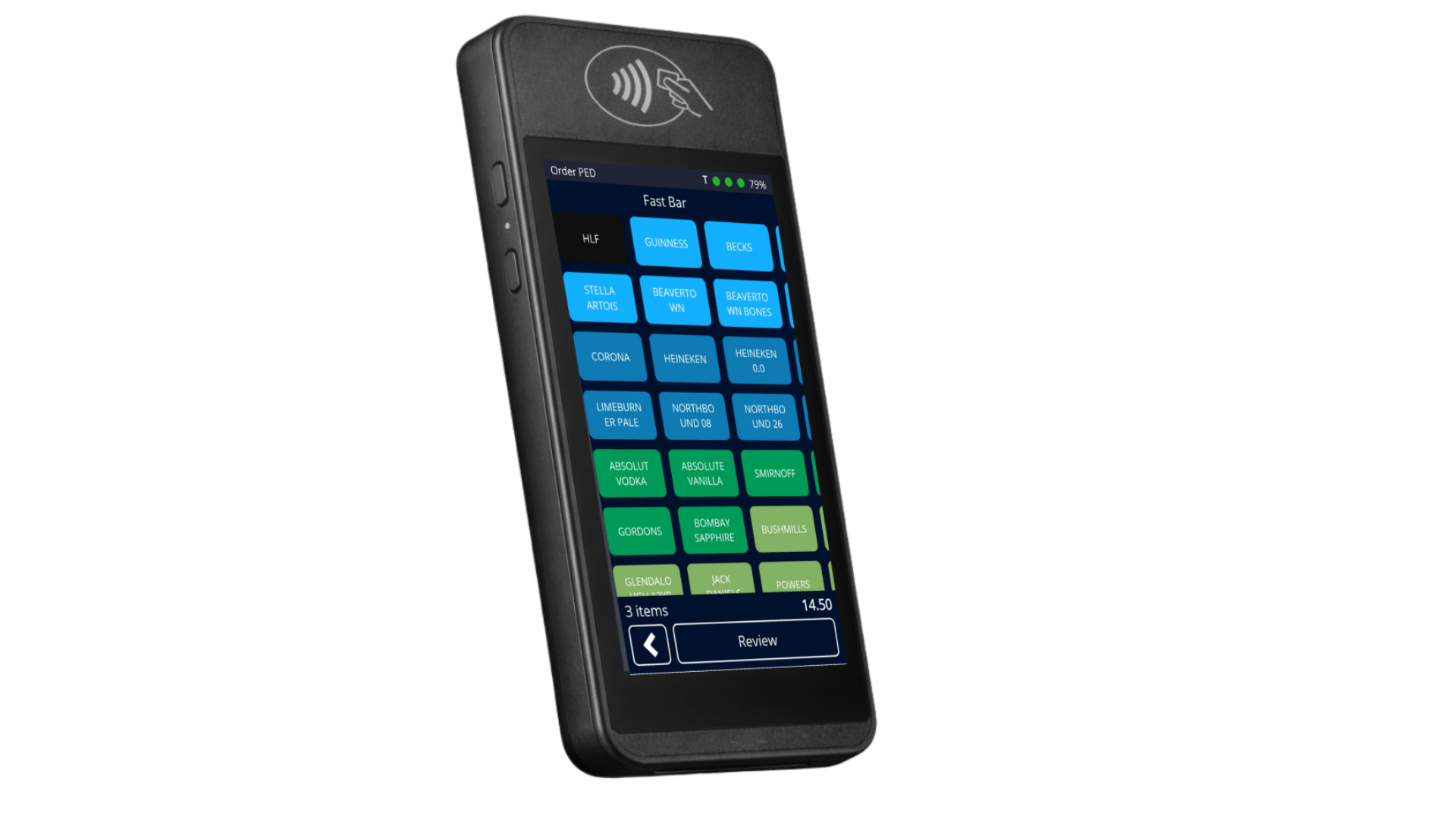
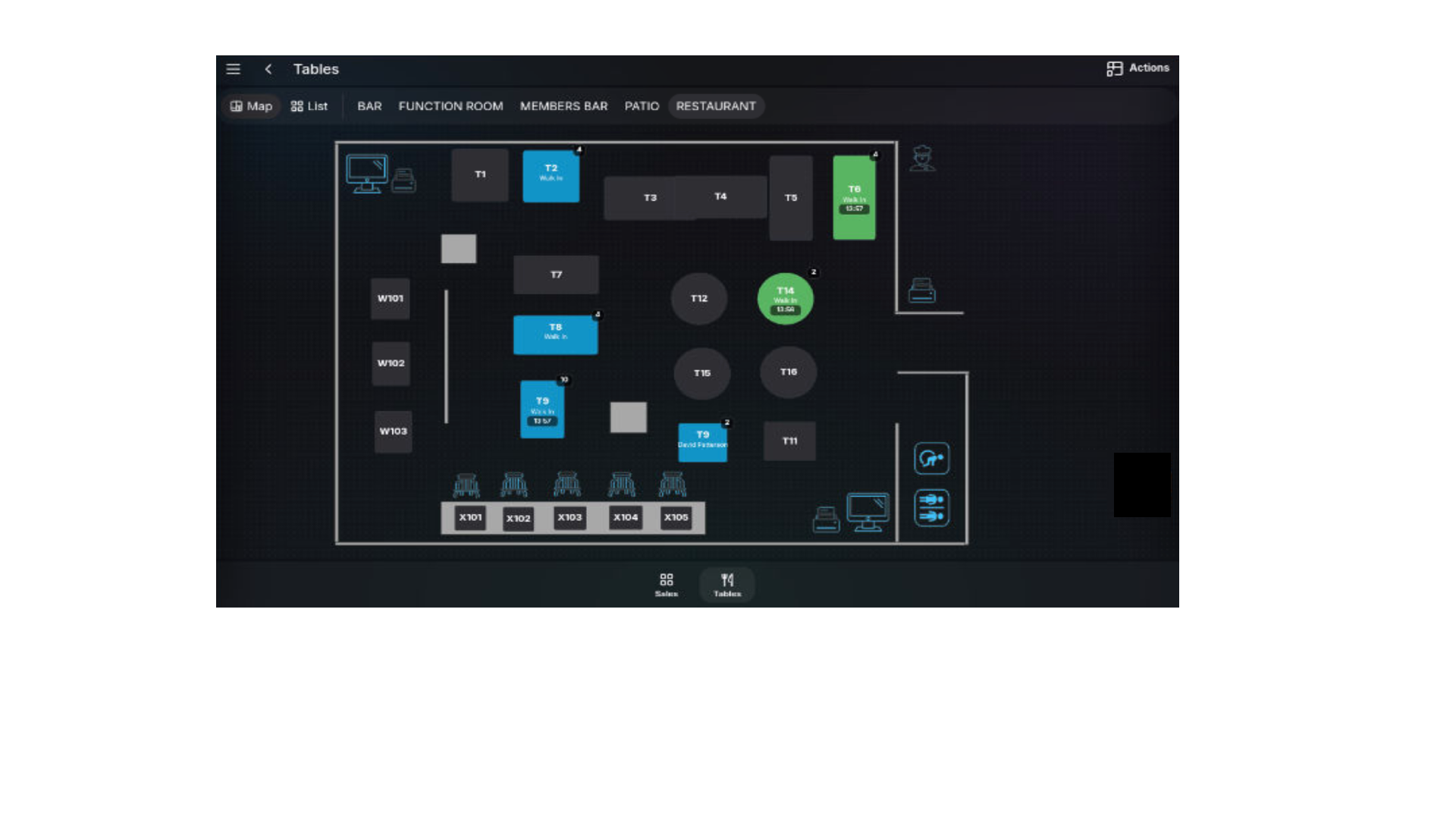
Move through orders quickly with a clear product grid, large touch targets and layouts designed around fast-paced hospitality environments.
Keep bookings, tables and front-of-house teams working from the same live system, without switching between apps.
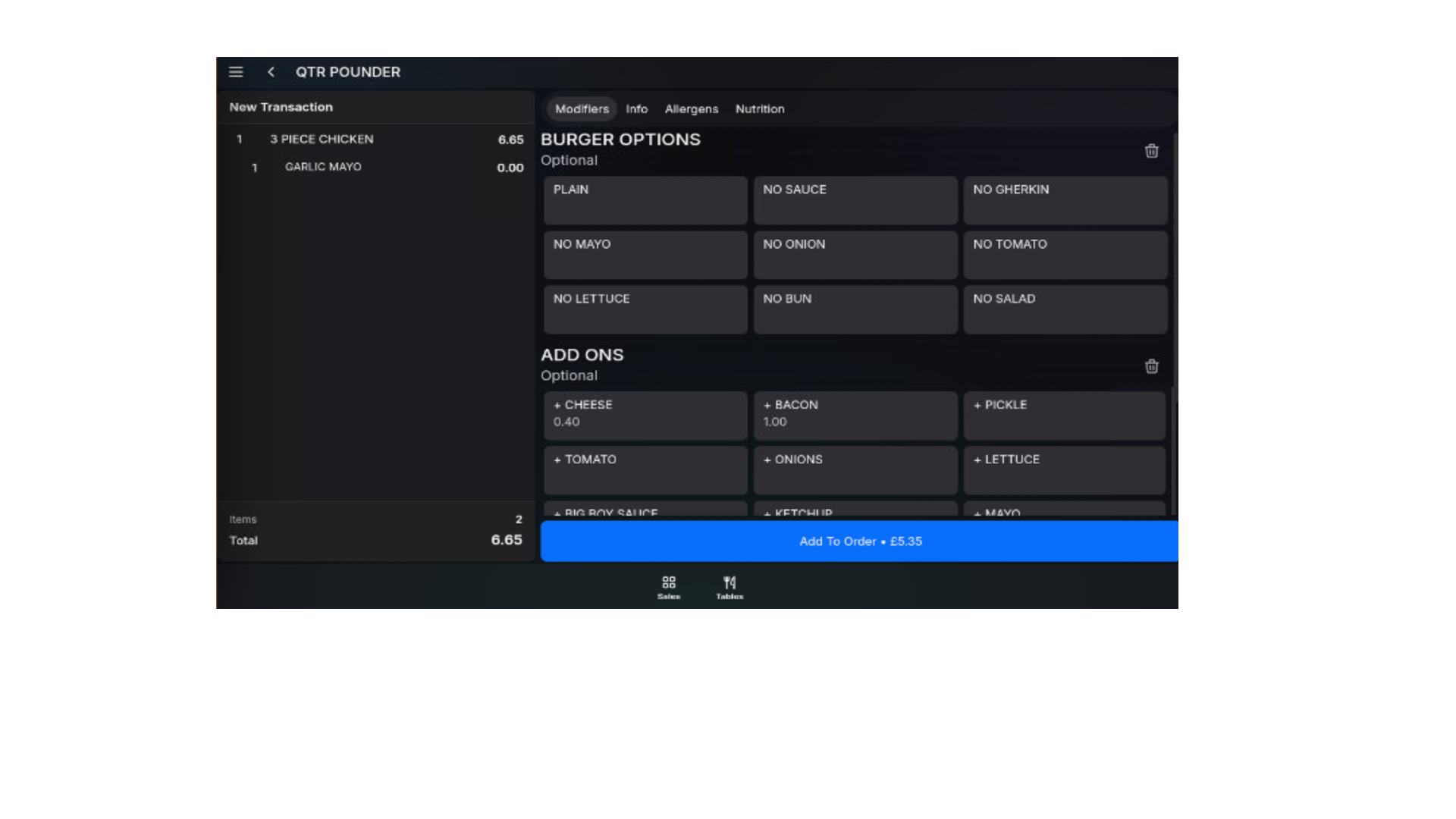
Send orders directly to kitchen displays with modifiers and notes intact, reducing mistakes and keeping teams in sync during busy service.
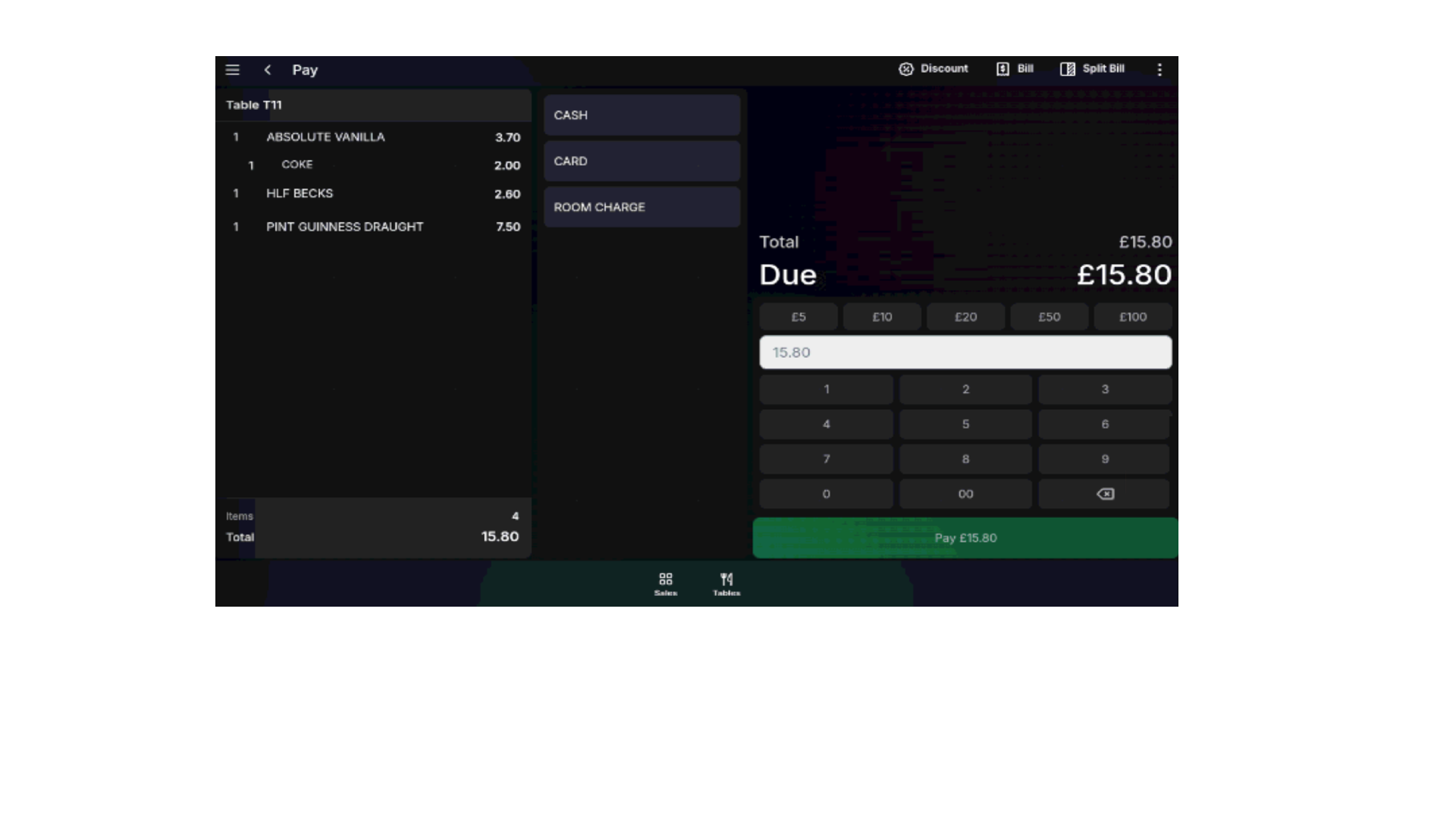
Take card and digital payments directly from the till with integrated processing, split bills and faster checkout flows.
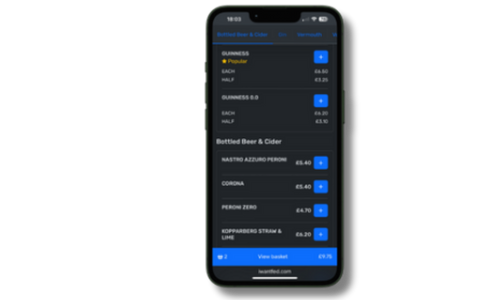
Extend the journey beyond the till with mobile ordering that stays connected back to the same menus, stock and payments flow.
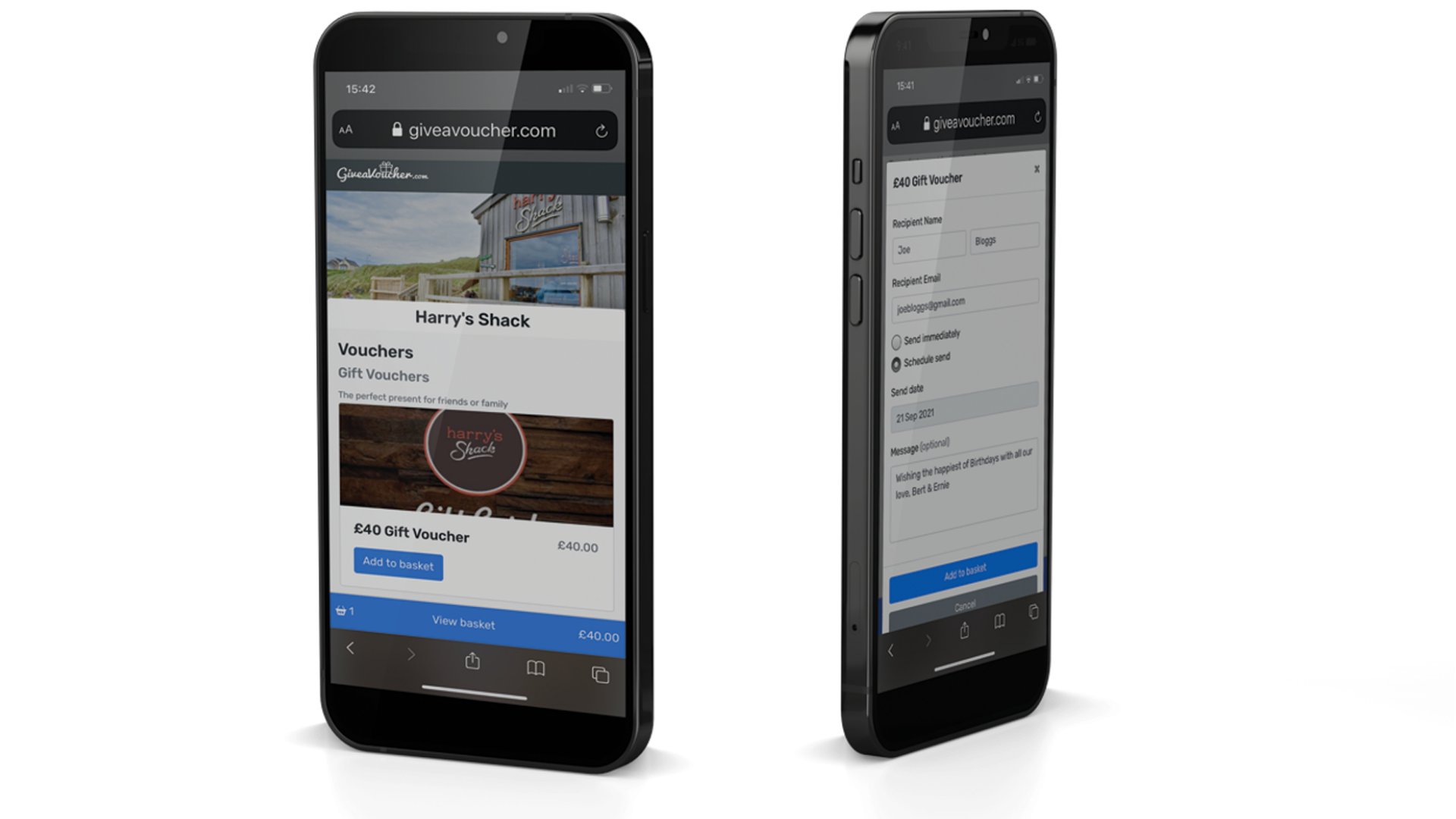
Keep online orders, digital gift vouchers and in-store sales connected through the same menus, payments and reporting platform.
Why TapaPay
TapaPay helps operators reduce friction at the till, improve payment visibility and keep payment costs easier to understand.

Cards, contactless, Apple Pay and Google Pay, with payments connected directly back into your POS workflow.
Set tip prompts around your service style and make it easier for guests to pay the way your team expects.
No hidden extras for integration or unclear billing structures. Just straightforward payment visibility you can understand.

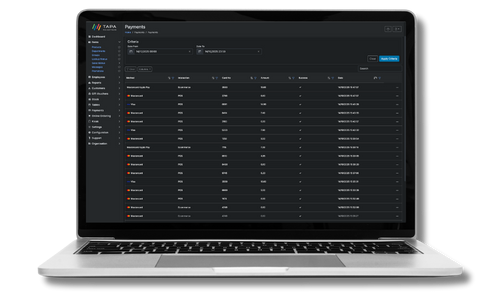
Keep transactions, payment data and operational reporting closer together so finance teams spend less time matching things up.
Onboarding
We learn how you trade, review your current setup and map out the quickest route to launch.

Our AI menu reader helps pull in menus, products, prices and key settings so your system is configured and ready to trade fast.
Hardware is installed, card payments are activated and your team gets hands-on training before go-live.
Customisation
Choose POS, payments, back office and guest tools that match your service model, location type and day-to-day operations.
Menus, permissions, routing, reporting and workflows are shaped around your live operational setup.
Add modules, integrations and new service flows without rebuilding the rest of your stack.
Migration, setup and onboarding are handled around busy trading teams so launches keep momentum.
Case studies
Stories from hospitality-led businesses using TapaPay, TapaPOS and connected tools to simplify service and payment operations.
“We’ve been able to decrease card and transaction fees… and decrease our transaction times…”
Connected tools reduce handoffs and keep service simpler for teams and guests.
Watch how Tiger Rock uses the full platform to streamline operations.
“We need less staff because we can do multiple things at the same time... take orders and payments.”
When EPOS underpins service, dependable support matters as much as the product itself.
Watch how the Ebrington team talks about service continuity and dependable help.
“There’s a relationship that’s developed — I can trust in their knowledge, it feels like proper attention to detail.”
“The system has allowed us to increase our overall volume of customers... as well as savings of around 30% on our staff wages.”
TapaPay is the wider hospitality and retail platform that brings together TapaPOS, integrated payments, cloud back office and connected service tools in one system.
Yes. TapaPay supports hospitality and retail businesses, including bars, restaurants, hotels, cafes, takeaways, clubs, venue groups, shops and other retail operations.
Yes. With TapaPay and supported terminals, the bill is sent from EPOS to the reader—contactless, tips and refunds in seconds, with fewer keying errors.
Yes. Tapa Office provides centralised menus, price lists and live dashboards across sites, plus scheduled KPI emails for managers.
Enable stock with deliveries, recipes and wastage tracking. In hospitality, send courses to kitchen printers or screens with clear modifiers and notes.
Core POS continues if the connection drops and syncs when it returns. Card authorisation depends on your payments setup.
Typical rollouts are fast—import products/menus, configure printers and payments, and train staff. Timelines vary by sites and hardware.